How to calculate NVR storage for CCTV cameras
The hard-disk size of a recorder is not a guess: it comes from the bitrate of each camera, the recording hours and the number of days you must keep. Here is the exact method, with examples and a calculator.
The storage formula
A camera streams a number of megabits every second (its bitrate). Storage is simply that stream multiplied by time:
Multiply by the number of cameras and by the number of retention days, then convert to terabytes (÷ 1000). The division by 8 converts bits to bytes.
Example
16 cameras of 4 MP with H.265 at about 4 Mbps, recording 24 hours a day, kept for 30 days:
- One camera per day: 4 × 3600 × 24 ÷ 8 ÷ 1000 = 43.2 GB
- 16 cameras × 30 days: 43.2 × 16 × 30 = 20,736 GB ≈ 20.7 TB
- Add about 10–15 % margin (file system, event files, bitrate peaks): ≈ 23–24 TB
Quick check: 4 cameras for 30 days
People are often surprised by the result, so here is a small system worked out: 4 cameras of 4 MP, H.265 at about 3.5 Mbps, recording 24 hours a day for 30 days.
- One camera per day: 3.5 × 3600 × 24 ÷ 8 ÷ 1000 = 37.8 GB
- One camera for 30 days: 37.8 × 30 = 1,134 GB ≈ 1.1 TB
- 4 cameras: ≈ 4.5 TB (≈ 5 TB with margin)
So a few terabytes for four cameras is normal for continuous recording at full frame rate. To reduce it: record at 12–15 fps, use H.265+ / smart codec, record on motion in quiet areas, or keep fewer days. The calculator above shows the effect of each choice instantly.
Typical bitrates (25 fps, normal scene)
| Resolution | H.264 | H.265 |
|---|---|---|
| 2 MP (1080p) | 4 Mbps | 2 Mbps |
| 4 MP | 6–8 Mbps | 3–4 Mbps |
| 5 MP | 8–10 Mbps | 4–5 Mbps |
| 8 MP (4K) | 12–16 Mbps | 6–8 Mbps |
With H.265+ / smart codecs the average is often about 30 % of the H.264 value in quiet scenes. To find the real bitrate of your camera: camera web page → Configuration → Video/Audio → Max. Bitrate (4096 Kbps = 4 Mbps), or the recorder's Record → Encoding menu, or Video Bitrate in the datasheet.
These are planning values. Busy scenes, trees moving in the wind, rain, night IR noise and a high frame rate increase the bitrate; smart codecs (H.265+, Zipstream…) and a lower frame rate reduce it. Always confirm with the camera datasheet or the manufacturer's calculator.
Things that change the result
- Motion / event recording — in quiet areas it often saves 40–70 % compared with continuous recording, but size the disks for the busiest cameras.
- Frame rate — 12–15 fps is enough for most corridors and car parks and almost halves the storage of 25–30 fps.
- Dual stream — if a sub-stream is also recorded, add its bitrate.
- RAID — RAID 5 loses one disk of capacity, RAID 6 loses two, RAID 1/10 loses half.
- Disk sizes — a "10 TB" disk shows about 9.1 TB in the recorder; use surveillance-grade drives designed for 24/7 writing.
Bandwidth check
The same numbers give the network load: 16 cameras × 4 Mbps = 64 Mbps of recording traffic. Check the recorder's incoming bandwidth limit and the uplinks between switches, especially when cameras are on different floors.
Plan a complete IP surveillance system on your own floor plan: camera positions, field of view, DORI coverage, a realistic 3D camera view, NVR storage and a ready-to-send report. Free, in English, Arabic and French.
Open CCTV Designer Pro →Frequently asked questions
How many days of CCTV recording are required?
It depends on the client and local regulations; 30 days is the most common requirement, while banks, airports and government sites often ask for 60–90 days.
Does H.265 really halve the storage?
For the same image quality H.265 typically needs 40–50 % less bitrate than H.264, so storage drops by about the same amount.
Which RAID is best for an NVR?
RAID 5 is the usual choice for 4–8 disks; RAID 6 is safer for large arrays because it survives two disk failures.
Related guides
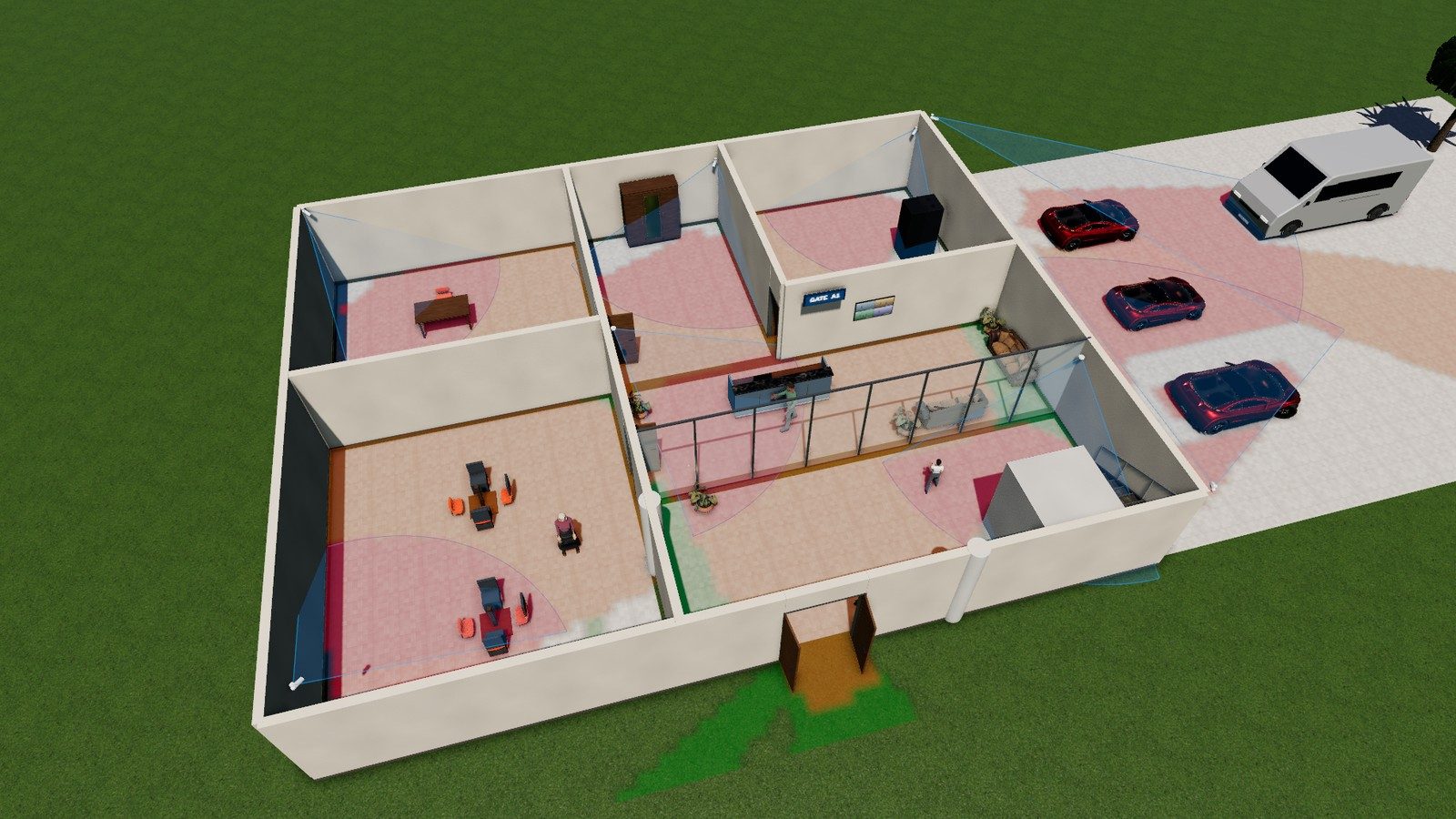
DORI in CCTV: pixel density made simple
What DORI means in CCTV design, the IEC EN 62676-4 pixel-density values (25, 63, 125, 250 px/m), how to calculate pixels per metre at any distance and a free calculator.
Read the guide →
How to choose a CCTV lens (focal length & field of view)
Choose the right CCTV camera lens: 2.8 mm vs 4 mm vs 6 mm vs 12 mm, the focal length formula, field-of-view angles for common sensors, varifocal and motorised lenses, plus a lens calculator.
Read the guide →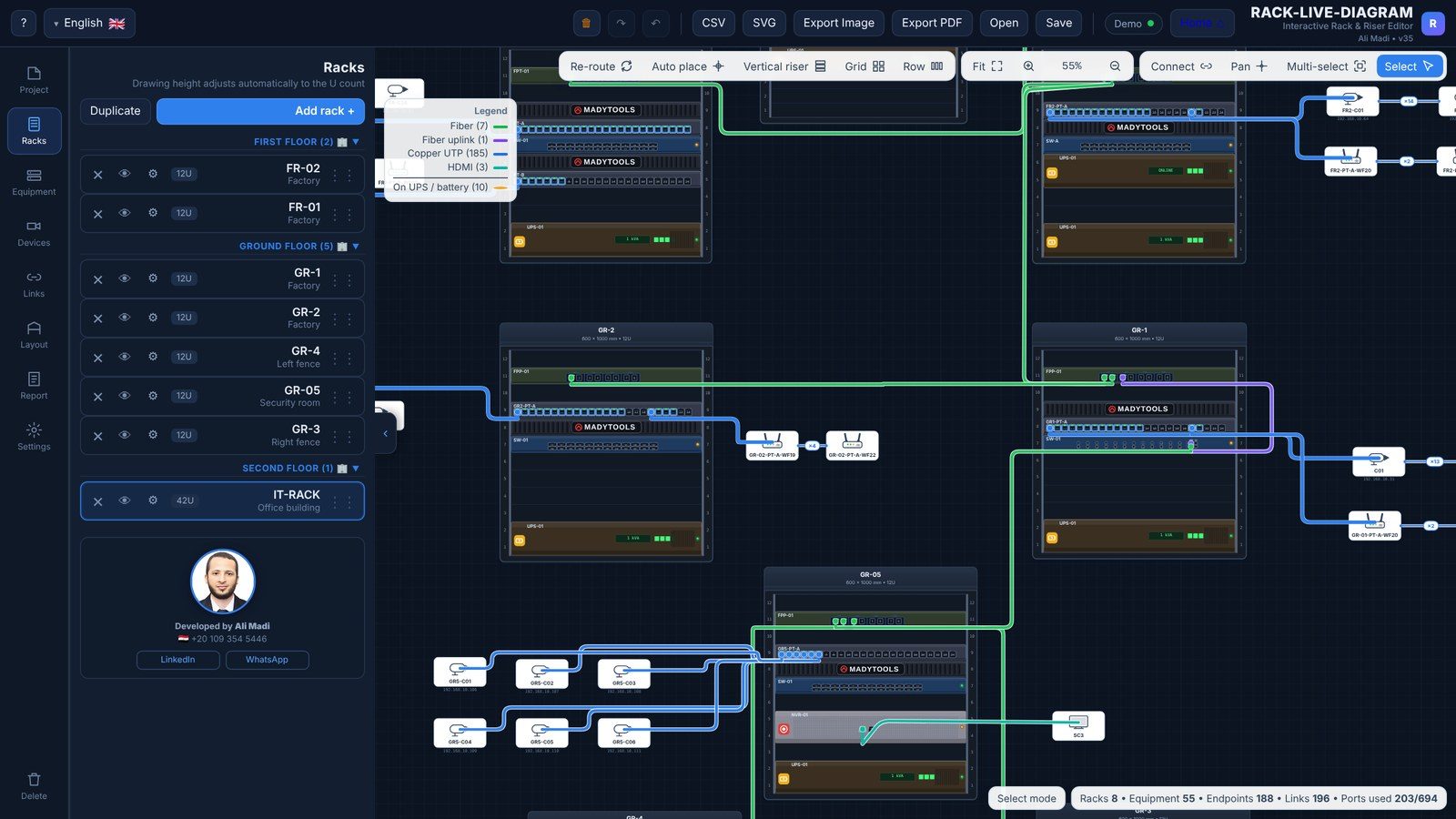
How to draw a 19-inch rack diagram
A practical guide to network rack diagrams: rack unit (U) sizes, 42U rack layout, where to put patch panels, switches, fiber ODF, UPS and PDU, labelling, and how to make the port map.
Read the guide →